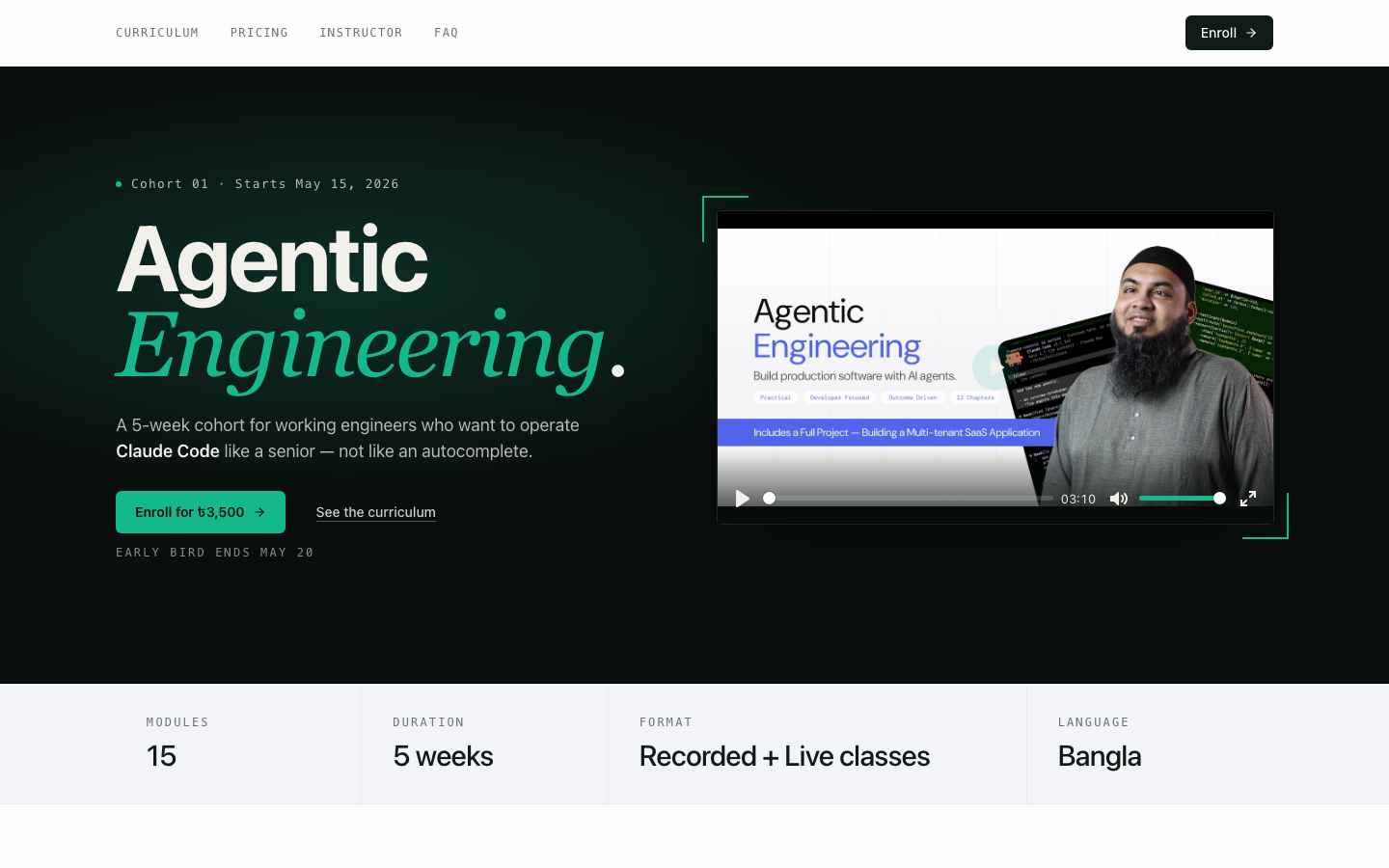
Agentic Engineering.
Work smarter with AI agents.


Mohammad Emran Hasan
The shift.
Yesterday you drove and it suggested. Today it drives and you steer.
Context is
everything the
model can see.
Prompts, files, tool output, images — all stacked in one window.
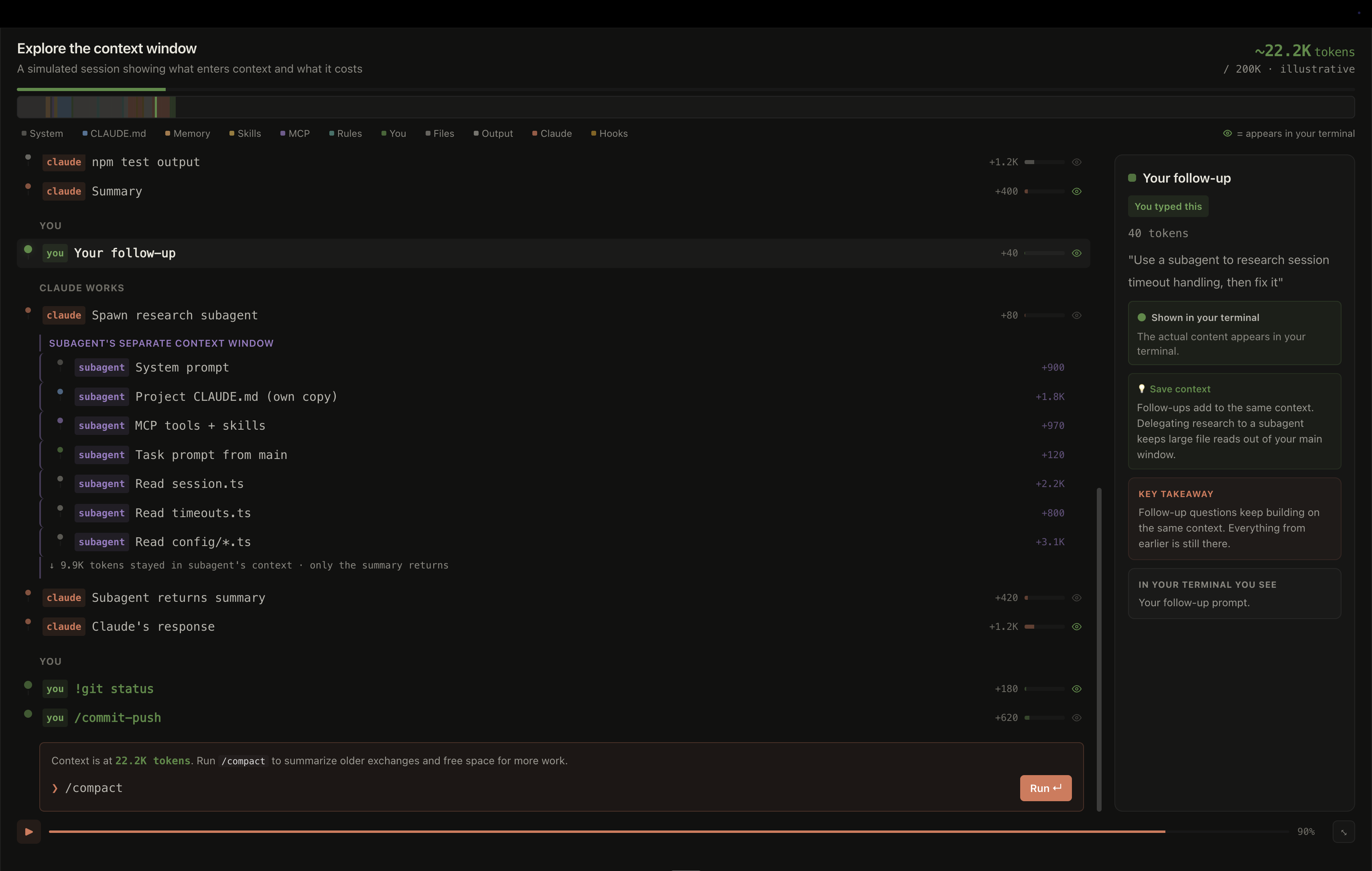
More context ≠ better answers.
Past 50% of the context window, quality drops.
Context is the constraint.
Performance degrades as the window fills. Every other practice follows from this.
Same task. Two prompts. Two bills.
A failing test in checkout. Same goal, two ways to ask.
Three ways to fill the window well.
Precise input. Shaped output. Clear fences.
Be specific.
Be multimodal.
- @ file paths, not folders.
- Paste screenshots & errors raw.
- Link the code you’re modelling after.
Shape what done looks like.
- Format. “Return a unified diff.”
- Files. “Edit only these two.”
- Stop. “Stop when tests pass.”
Set the guardrails.
- DO validate via FormRequest.
- DO NOT touch vendor/.
- STOP WHEN composer test passes.
Give the agent a way to check itself.
Spell the cases out. Make the agent run them.
Give the agent a way to check itself.
Hand it the design. Make it compare its work.
Give the agent a way to check itself.
Paste the failure. Tell it to verify the fix.
The single highest-leverage thing you can do.
Three phases. One loop.
Start with intent. Each phase ends with a check, and leaves an artifact in the repo.
Plan mode on. No writes yet.
Files, tests, risks — on the table.
Verify. Commit. Next.
Use skills from Matt Pockok / Addy Osmani to strengthen your workflow.
CLAUDE.md — a README for the agent.
Auto-loaded every session. Tell Claude how to work with your codebase.
Amplifiers.
Each adds capability without polluting the core loop.
Skills
Reusable recipes the agent loads on demand.
test-runner — scaffold tests from a spec, then run them.
Subagents
Specialists with their own context window.
code-reviewer — audit a PR before you merge.
MCP
Plug in tools: GitHub, Postgres, Sentry, Figma.
Playwright MCP — drive a browser, scrape a page.
Hooks
Run scripts at various lifecycle points.
pre-commit — auto-format every edit.